Ask it like you’d ask your team.
Type a question or explain the restaurant job. You don’t need to know which report or screen holds the answer.

FLEX AI / A NEW WAY TO RUN THE SHIFT
Less screen hunting.
More time for service.
Flex AI helps restaurant operators run campaigns and get help with upselling. FlexBot is the conversational interface where you ask for that work and follow what happens next.
Try an example Start with a restaurant question.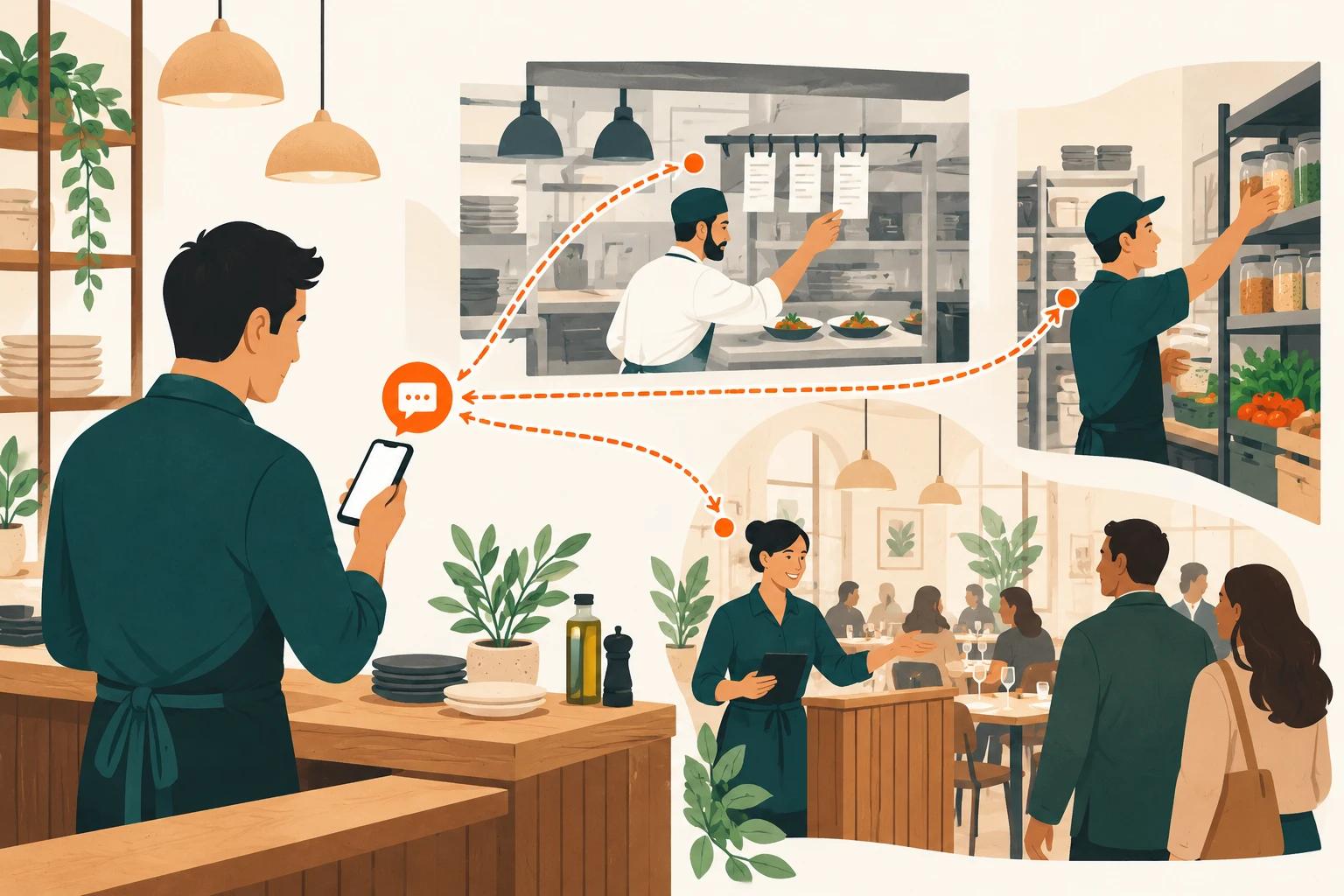
HOW ASK FLEX WORKS
Your team knows the question. Flex connects it to the restaurant information and the specialist that can help.
Type a question or explain the restaurant job. You don’t need to know which report or screen holds the answer.
Start with the relevant sales, bookings, menu, stock or service records—not a search through every screen.
Review the answer or proposed action, including the affected items and any missing information.
Keep the exact change, the person’s approval and the result together in one decision trail.
DON’T JUST READ ABOUT IT
Pick a question. See the records it checks. Review the answer, approve a demo change, or press STOP.
Interactive demo with example restaurant data.
How’s dinner looking?
Follow Pulse through the relevant records, the answer and the next step.
MEET YOUR RESTAURANT SPECIALISTS
Specialist roles for the work behind every service—from the kitchen queue to the numbers at the close.
The numbers, the close, and the things that need a second look.

Growth & analytics
A clear briefing on sales, trading patterns and where your restaurant has room to grow.
“How did we trade compared with last Friday?”Explore the agent

Profitability & costs
Bring sales, payments and available cost records together for a clearer end-of-day review.
“What still needs checking before we close?”Explore the agent

Diagnostics & issue fixing
Trace an order or operational issue through the connected records and suggest the next check.
“Why hasn’t this delivery order reached the kitchen?”Explore the agent
From the first booking to the last ticket on the pass.
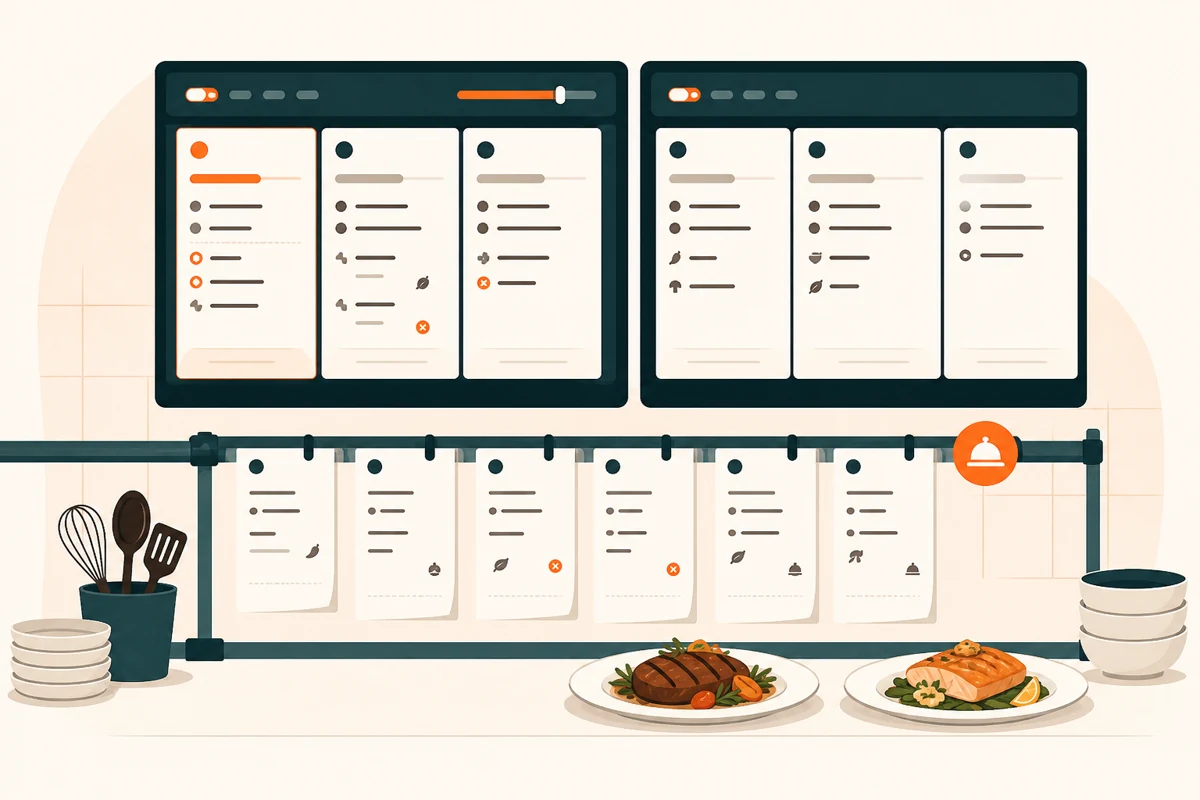
Orders & delivery
Put open orders, kitchen activity and delivery progress into a useful picture of service.
“Which orders need our attention right now?”Explore the agent

Guest CRM & loyalty
Bring bookings, guest preferences and loyalty information into a better-prepared welcome.
“What should we know about tonight’s returning guests?”Explore the agent

Sales & group bookings
Help turn function enquiries into clear proposals with guest counts, menu choices and service notes.
“Prepare a proposal for a group of twenty.”Explore the agent
What’s on the shelf, what’s on the menu, and what needs recording.
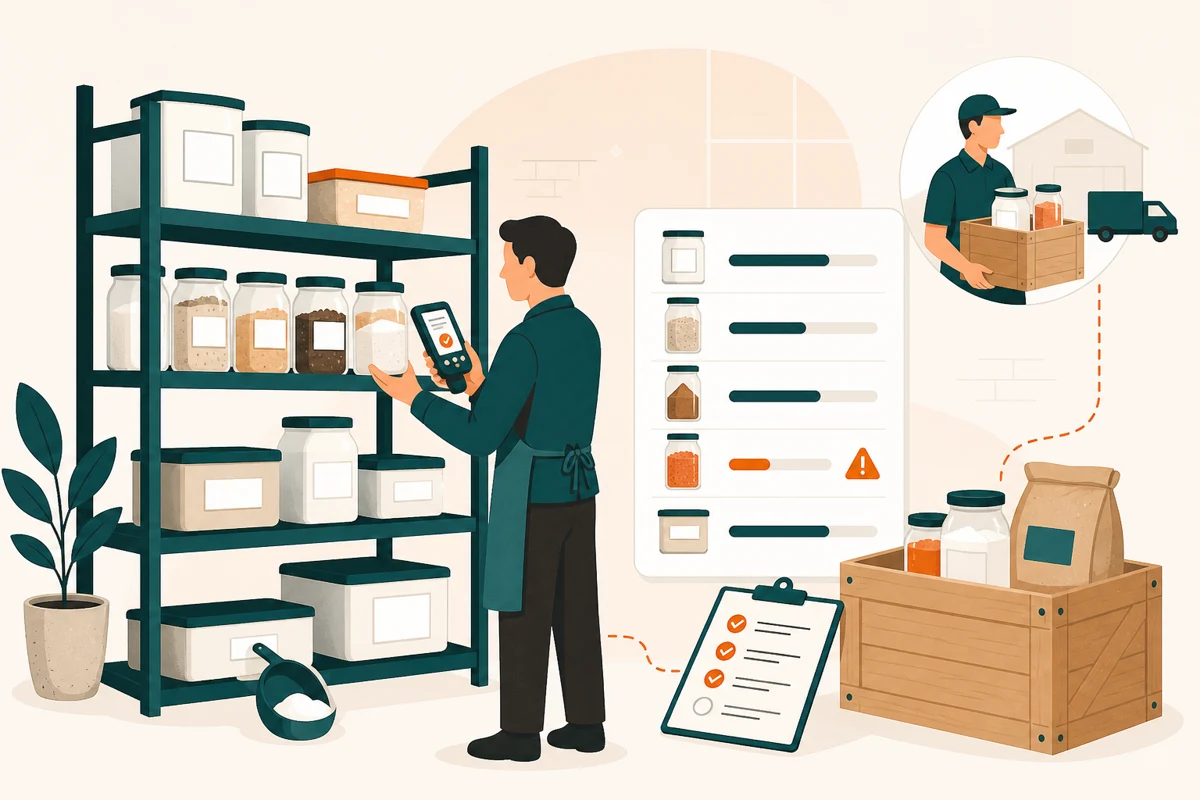
Inventory & waste
Review ingredient levels, spot waste patterns and prepare availability changes for approval.
“We’re out of burrata. What needs to change?”Explore the agent

Recommendations & upselling
Review menu performance and suggest useful pairings, descriptions and dishes to highlight.
“Which sides pair best with our popular mains?”Explore the agent
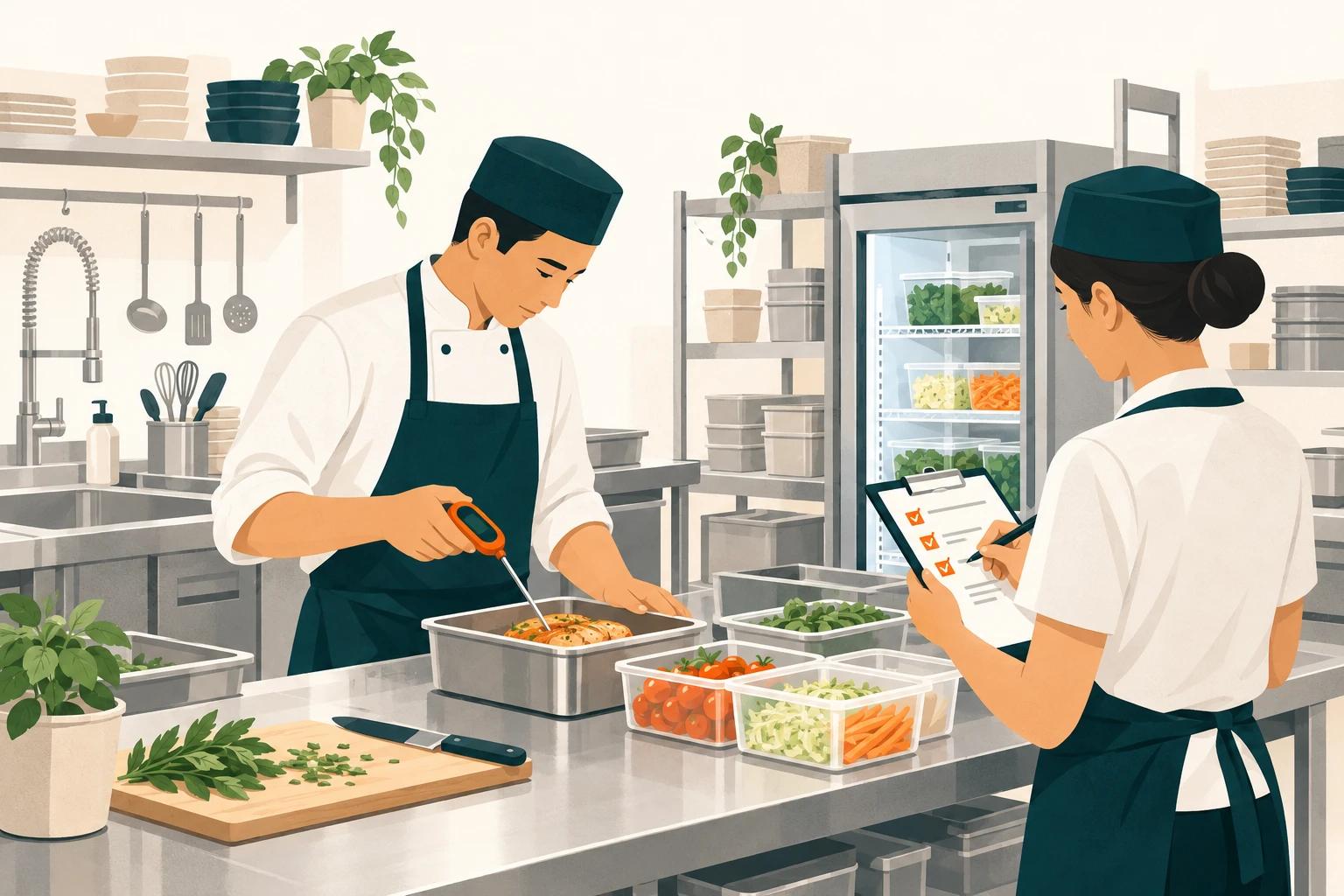
Operations & safety records
Help your team find missing operational checks and organise food-safety records for review.
“Which temperature checks are still missing today?”Explore the agent
A better-prepared team and more thoughtful guest follow-up.
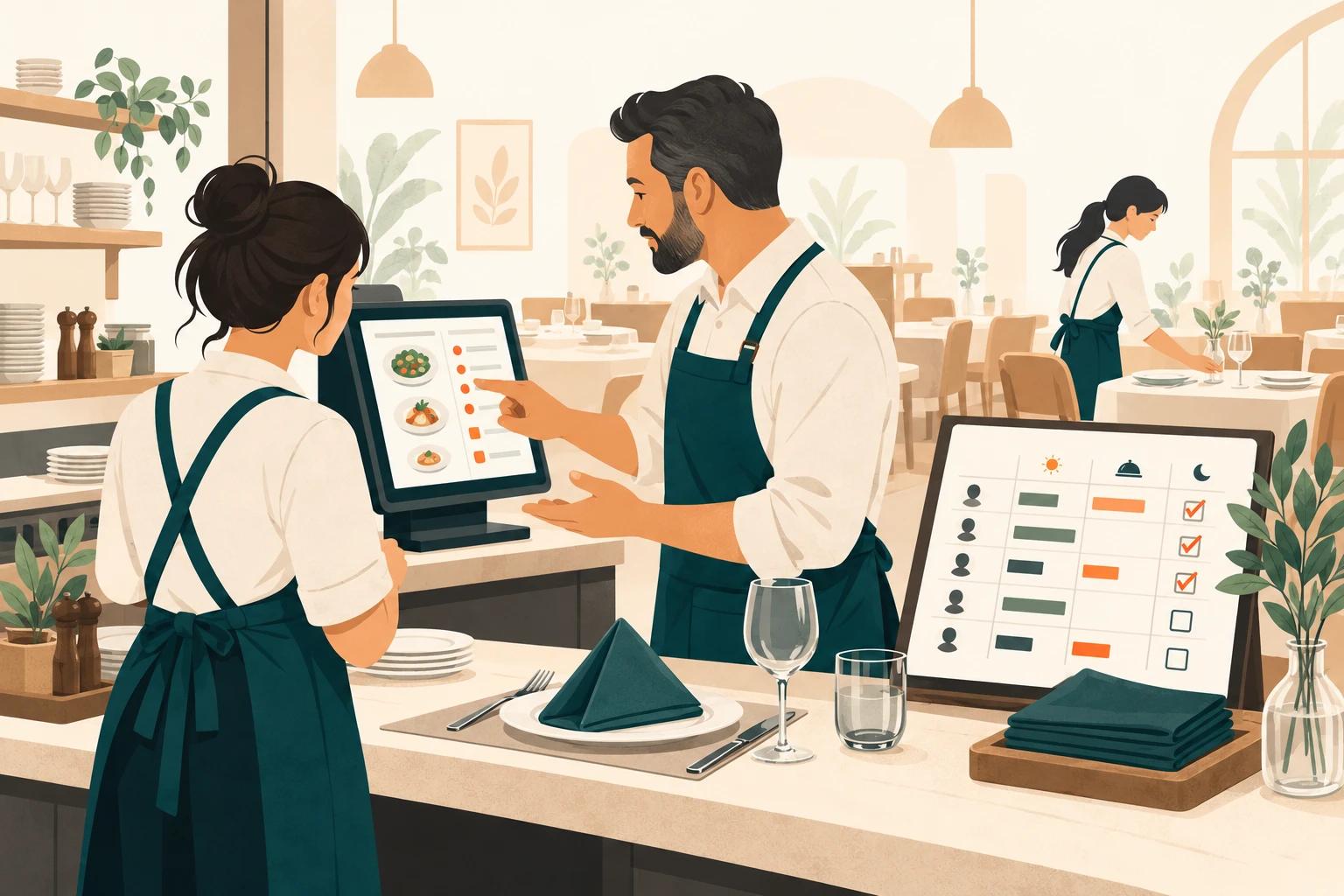
Staff & training
Review staffing gaps, prepare service briefings and help your team find the training they need.
“What should our new starter learn before Friday?”Explore the agent
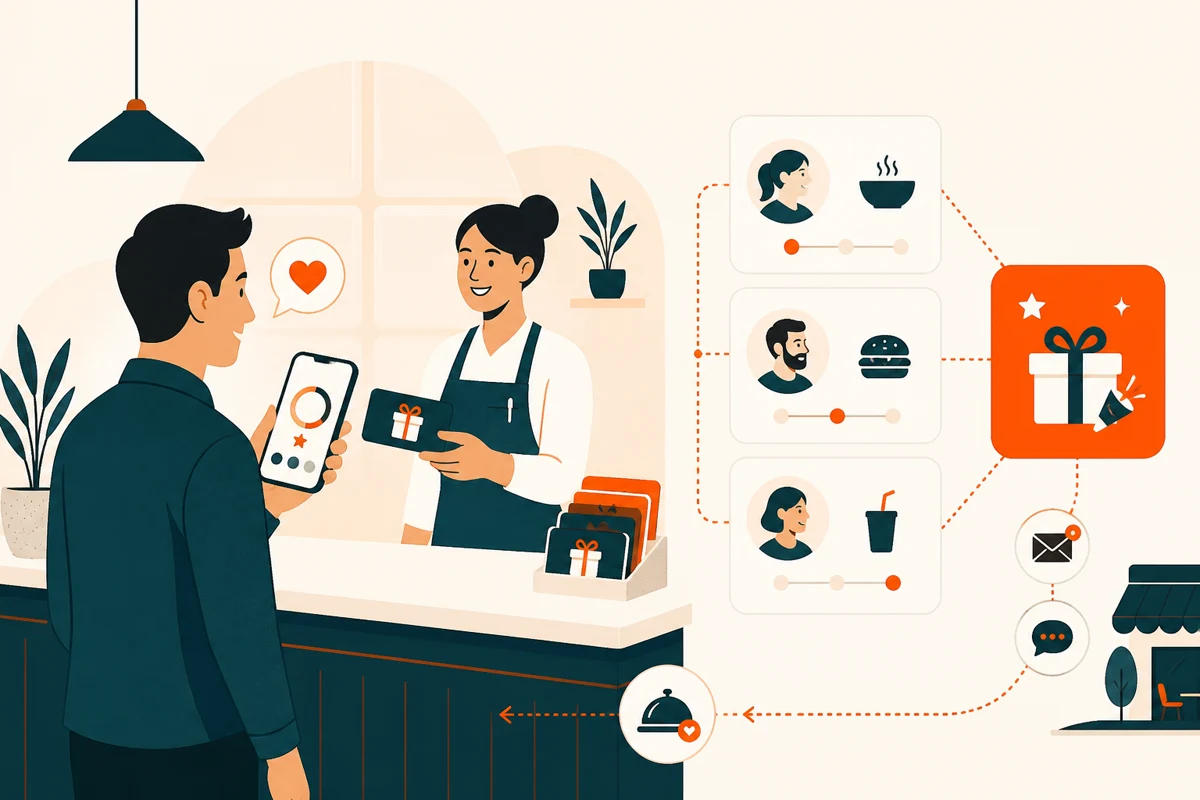
Marketing & social media
Prepare guest campaigns, social posts and offers with a clear audience and approval step.
“Prepare a midweek offer for our regulars.”Explore the agent

Reviews & reputation
Find recurring feedback and prepare thoughtful responses for someone on your team to approve.
“What keeps coming up in our recent reviews?”Explore the agent
YOUR TEAM MAKES THE CALL
Reading a record is different from changing it. Keep the information, the preview and the decision clearly separated.
Keep questions and previews separate from changes. Give each role the access needed for its job.
Bring the request, exact change, approval and result into the same view. Give the next shift the context behind the decision.
A clear way to stop a pending action. Try it in the example above; completed actions need their own reversal checks.
Restaurant work doesn’t happen on one screen. Connect the question to the job—while your team keeps the decision.
A dinner briefing, a stock question, an order that needs attention. Start with what your team needs to know—not the screen where the answer might be hiding.
One question. A useful next step.
An order can touch the counter, kitchen and delivery team. Bring those records into the same question to see which step needs attention.
Order context, before the next move.
Six guests need more than six chairs. Check the arrival time, table options and guest context before preparing a booking change for your team to review.
The right table. The right details.
Move or tap to explore. Keyboard: Tab into a drawing, then use Enter or the arrow keys; Escape returns it to rest.

THE PHONE HAS AN AGENT TOO
Voice Agent answers restaurant calls, books tables and takes takeaway orders. Your team stays with the guests in the room.
Explore Voice AgentTAKE A CLOSER LOOK
See where agents could fit in your restaurant. Talk through your current setup, the jobs you want help with, and the access available for your venue.
BEFORE YOU ASK
Ask Flex brings restaurant questions to the right specialist. Start with the job, check the relevant records and review the answer or next step.
BUILT AROUND YOUR RESTAURANT’S WORK
Start with the jobs you want off your plate. Let’s find where Flex can help your team.
Talk to Flex