Choose the right role
Match your access to the venue and the records you need for the job.

Short questions about service, stock and the close. Keep the full restaurant workspace in Flex.
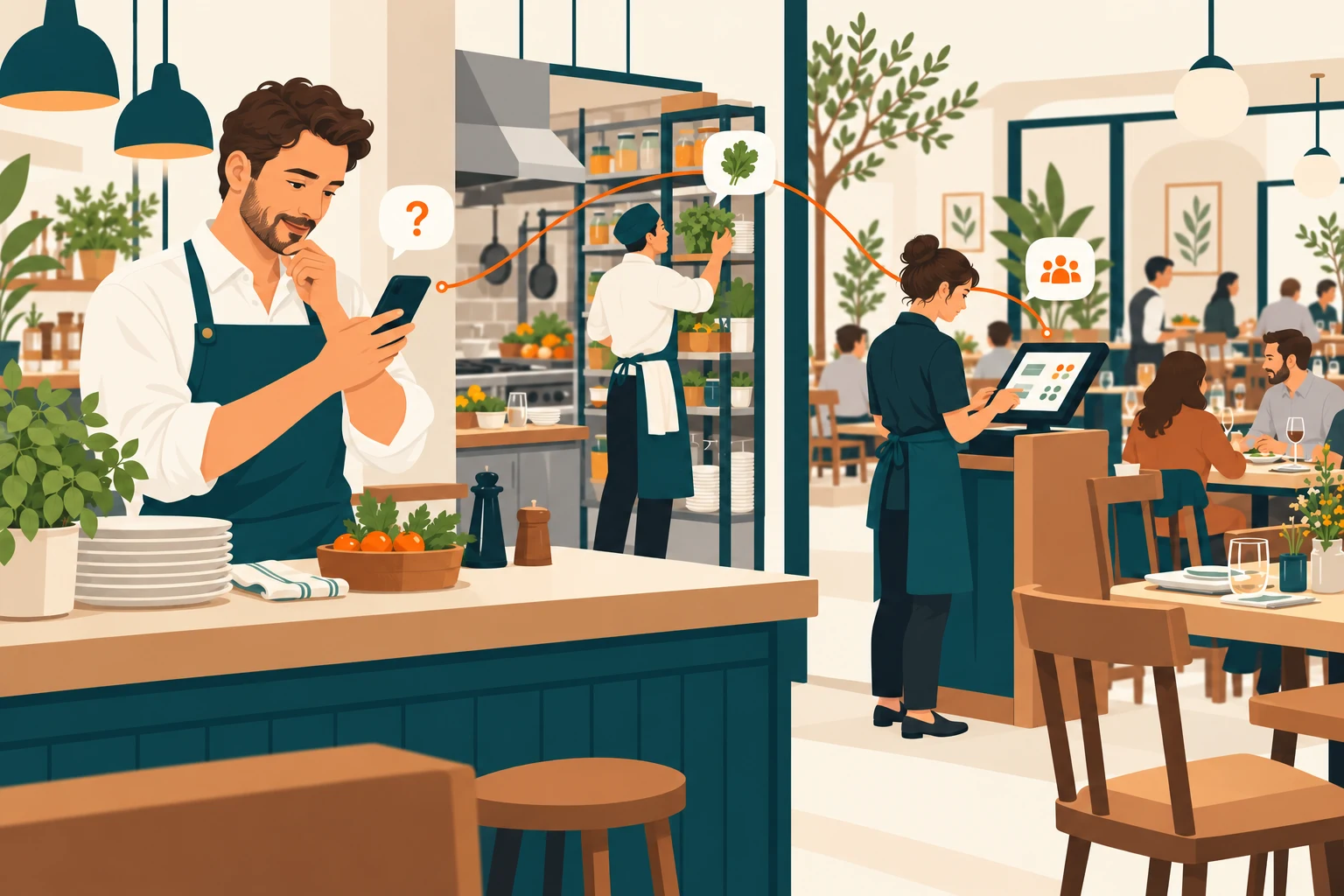
Start with the right restaurant and team role. Keep account setup in the app and service questions in the conversation.
Match your access to the venue and the records you need for the job.
Use the authorised account workflow. Never send passwords or verification codes in a message.
Opt in to the useful updates, agree on the timing and keep a way to opt out.
Use short messages for service briefings, record checks and a focused next step. Detailed setup, sensitive information and permission changes belong in Flex, not a message thread.
Ask when you need an answer, without scheduled briefings.
Explore a briefing rhythm for your team.
Short restaurant questions belong in a message. Detailed setup and records belong in the app.
“How’s dinner looking?” and “What’s left on the shelf?” need different records. Keep the question simple and the detailed restaurant information in Flex.
Service, stock and the close—from your phone.
Move or tap to explore. Keyboard: Tab into a drawing, then use Enter or the arrow keys; Escape returns it to rest.
Ask about restaurant records without pasting payment credentials or unnecessary personal information into a message.
Use the payment workflow for payment information. A stock question never needs a card number.
Ask for the service information needed for the job, not an entire guest list or private conversation.
Read the privacy information and use the authorised app workflow for sensitive tasks.
Keep updates useful: pick a service briefing, an end-of-day summary or an answer when you ask. Choose the rhythm that helps your team rather than adding noise to the shift.
WhatsApp requires recipient opt-in and respect for opt-outs. Its rules also govern business-initiated messages and approved templates outside the customer-service window. Keep business messages relevant and follow those rules.
Before you get started
Explore a restaurant workflow, then talk to us about the setup that fits your team.
Try the examples