Start from the open bill
Find the table or counter order in Flex POS and review the amount due before taking payment.

Restaurant payments
Flex Pay connects supported payments to the order in Flex POS. Staff can start checkout with the bill already in front of them and track what has been paid during service.
Book a demo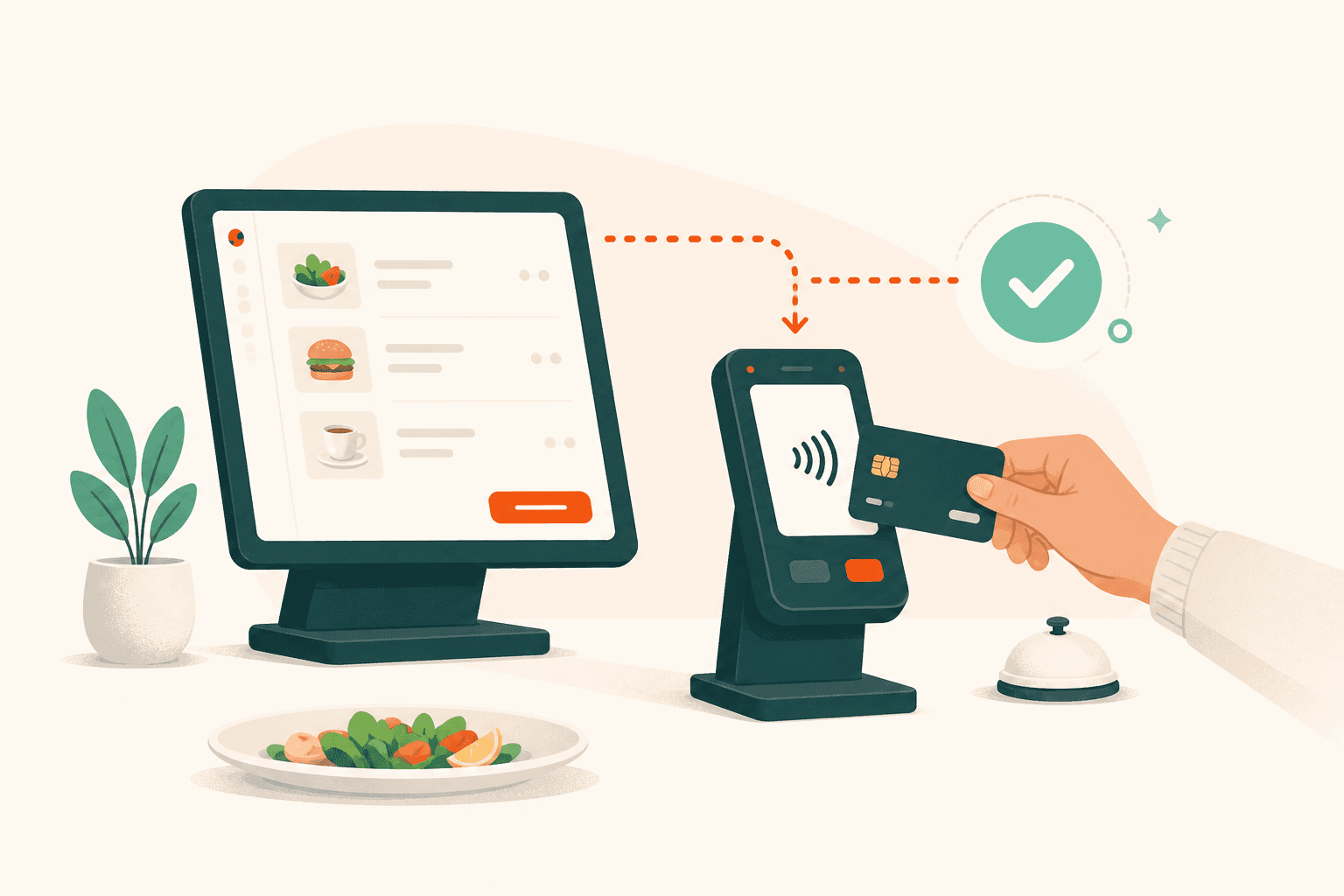
Flex Pay is the payments part of Flex. It brings supported payment connections into the restaurant’s checkout workflow, where the table, order and bill are already in context.
Available payment options depend on your location, provider and setup. Share your current terminal and provider with Flex so you can confirm how checkout would work at your venue.
What Flex handles
Find the table or counter order in Flex POS and review the amount due before taking payment.
When guests pay separately, keep each payment attached to the original order.
See whether an order still needs payment while the team is serving guests.
Check which providers and terminals fit your venue before changing your checkout flow.
From order to checkout
Walk through the payment flow with the order in view.
Open the bill in Flex POS and confirm the amount the guest is paying.
Use a supported payment setup for your venue and keep the payment attached to the order.
See what has been paid and whether there is anything left to settle.
During service
Settle the bill from the same table order your team used throughout the meal.
Take payment against the order while the kitchen works on it.
Review terminals, payment options and what the team needs to practise before switching.
Before you get started
Bring a typical bill and your current terminal details. Walk through checkout with Flex.