
Menu structure
Rebuild items, modifiers, pricing and channel rules.

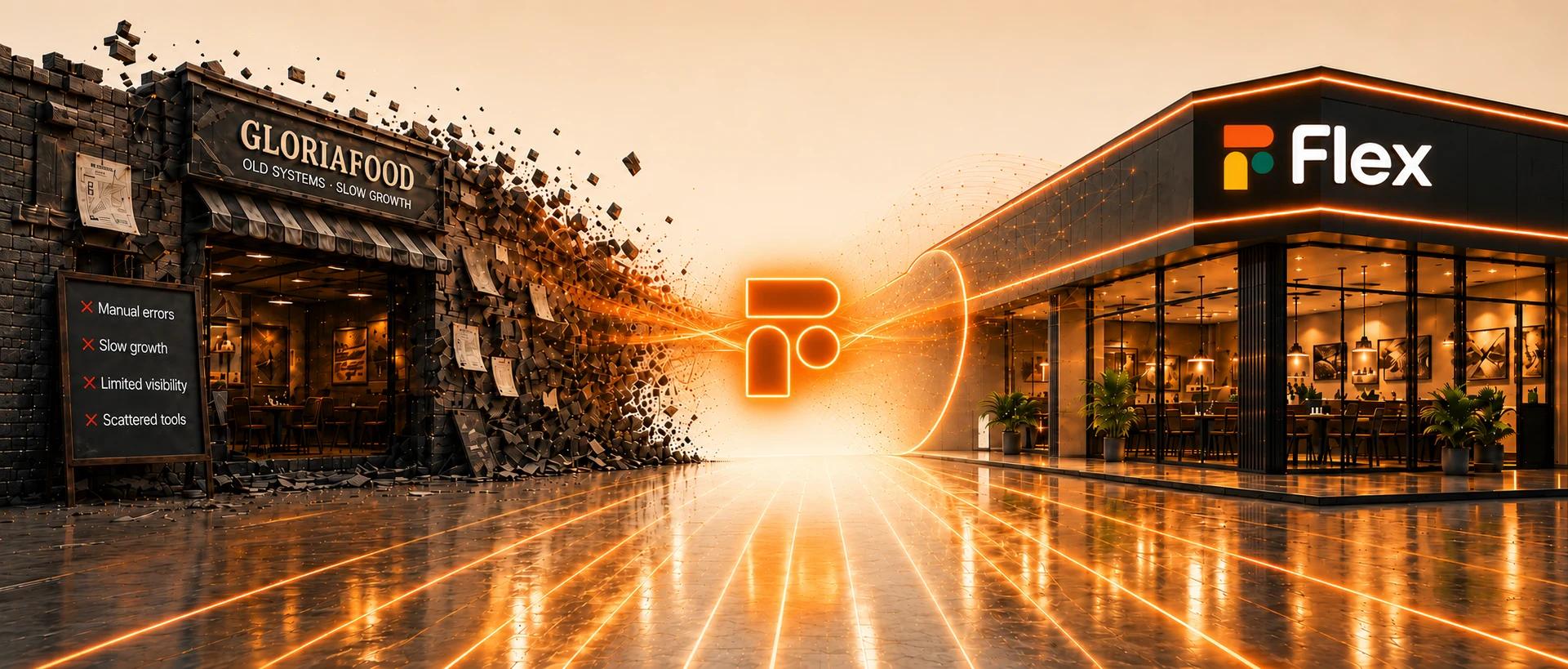
MIGRATE WITH CONFIDENCE
MIGRATE WITH CONFIDENCE
Keep the menu logic, ordering habits and customer relationships that already work. Flex helps rebuild the right details inside a broader restaurant operating system.
Rebuild items, modifiers, pricing and channel rules.
Plan the switch so guests keep a clear route to order.
Review what can move securely and what needs a new structure.
Test the setup with people who understand restaurant service.
THE DEADLINE IS LATER
An early start creates room to audit exports, rebuild the menu carefully, test real order paths and train the team without turning launch day into a rescue mission.
LESS PANIC.MORE CLARITY.
A CONTROLLED MIGRATION
Your menu, item choices, website and the ways guests order.
Flex sets up the menu, orders, kitchen and other restaurant needs.
Orders, payments, kitchen routing and customer-facing paths.
Traffic moves only when the new setup is ready.
THE BIGGER OPPORTUNITY
A GloriaFood move can connect online orders directly with the till, kitchen, delivery, customers and reports instead of leaving them in a separate tool.
ONE ORDER.ONE LIVE WORKFLOW.
FOLLOW A REAL ORDER
Orders through the restaurant's connected channel.
The order enters Flex with the right details.
Items and modifiers reach the correct production flow.
Customer activity can support loyalty and reporting.
CAPTURE IT ONCE.USE IT ACROSS THE RESTAURANT.
WHAT FLEX ADDS
POS, payments, kitchen, reservations and floor plan.
Online, table, phone and connected delivery orders.
Contacts, loyalty, rewards, promotions and campaigns.
Faster menu setup, handled phone requests and useful suggestions.
RESTAURANT MIGRATION CHECKLIST
Moving your ordering system is a chance to keep more value in the restaurant and prepare for more orders, locations and connections.
List active items, prices and modifiers.
Map how takeaway, dine-in and delivery orders arrive.
Test where tickets, notes and changes appear.
Check your provider and walk through checkout.
Give each role a practice shift with the new setup.
Test the new order links before removing the old ones.
CONNECTED SERVICES
Connect the ways you take payments, receive orders, deliver food and understand what brings guests back.
COMPARE YOUR NEXT STEP
Start with the jobs your team handles every day. Then choose whether you need another ordering tool, a POS, or one place to run the whole restaurant.
SCROLL TO SEE COMPARISON
| What your restaurant needs | GloriaFood now | Other restaurant platforms | Flex |
|---|---|---|---|
| Current position | Retiring; existing restaurants are being supported through the transition | Active choices including Square, Lightspeed and Toast | Available for new restaurants |
| Best known for | Online ordering | POS, payments or a broad restaurant suite, depending on the provider | Running the whole restaurant in one place |
| Online orders | Ordering for delivery, takeaway and dine-in | Available, with the exact setup depending on the provider | Connected to the till, kitchen, customers and reports |
| Till and payments | Not the main focus | Usually available, with different payment and hardware choices | Flex POS with supported payment options |
| Kitchen | Orders reach the restaurant | Kitchen screens are available on many restaurant platforms | Kitchen screens connected to live order progress |
| Bookings and tables | Online table reservations | Available on some platforms or through an added product | Bookings, waitlist and live floor plan |
| Returning guests | Customer and order details | Loyalty and marketing options vary by platform and plan | Contacts, loyalty, rewards and campaigns |
| Help moving | Restaurants need a replacement plan | Setup help depends on the package, provider and partner | Setup review, rebuilding, testing, training and launch help |
GloriaFood says support for existing customers ends on 30 April 2027. Confirm the package and support your restaurant needs before switching.
MOVING FROM GLORIAFOOD
Gather menus, modifiers, images, customer data and settings that are available.
Check what can move across and what needs to be rebuilt.
Set up menus, ordering, kitchen screens and delivery.
Place real test orders across devices and service scenarios.
Send customers to the new ordering setup only when it is ready.
CLEAR ANSWERS
YOUR RESTAURANT KEEPS MOVING
Bring your current menu and ordering setup. We'll map the safest path into Flex.
Plan my GloriaFood migration