Ask about the job
Name the venue and the service window. Explain the shortage, booking or order your team needs help with.

Ask a restaurant question. Check the records. Review the proposed next step before anything changes.
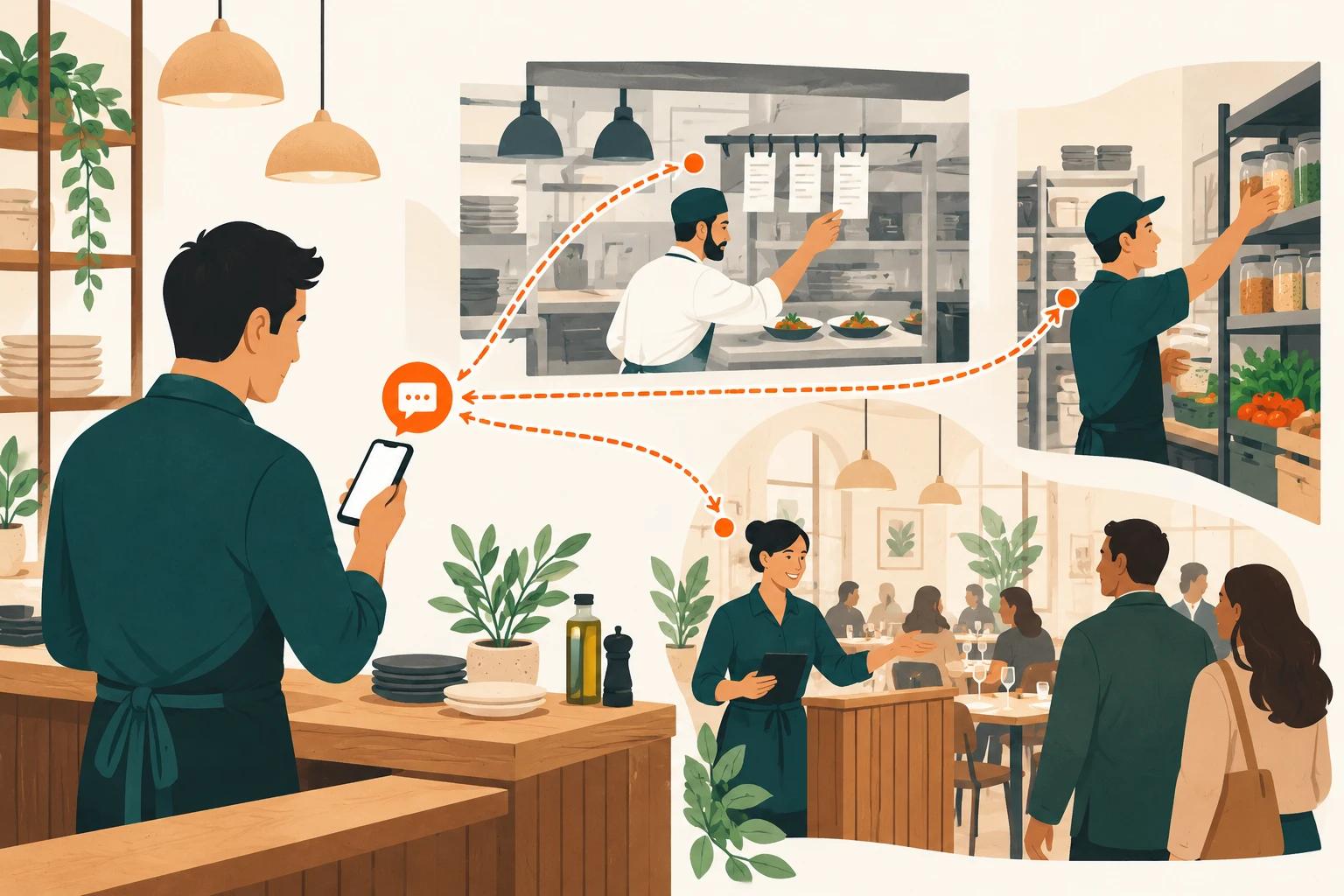
“We’re out of burrata—what needs to change?” is a restaurant job, not a report name. Keep the records, the recommendation and your decision separate. Work within the connected modules and your role’s permissions.
Name the venue and the service window. Explain the shortage, booking or order your team needs help with.
Find the relevant permitted records, check their timestamps and say what is missing before preparing an answer.
Show the affected items and the proposed scope. Pausing two dishes must not quietly become a whole-menu change.
An authorised operator reviews the proposal. Permission to read a record is not permission to change it.
Check the connected system’s result and keep the outcome with the request. An approval alone is not proof of success.
Interactive demo with example restaurant data.
We’re out of burrata. What needs to change?
Follow Stock through the relevant records, the answer and the next step.
The important moment isn’t when an agent answers. It’s when your team knows exactly what would change.
Before an item is paused or a booking is changed, review the exact proposal: which records, which venue and which service window. A preview is not permission to act.
Read the preview. Then make the decision.
Move or tap to explore. Keyboard: Tab into a drawing, then use Enter or the arrow keys; Escape returns it to rest.
The tool layer is the bridge to a specific restaurant module. It should only expose the reads and actions the venue actually supports.
A fresh physical stock count is not the same as an estimate from sales. Both need context.
A preview for two dishes is not permission to change the whole menu or every ordering channel.
An approval is not proof of success. The connected system must confirm what happened.
Name the venue, the service window and the job. A clear question makes it easier to check the right order, ingredient or booking.
Bring arrivals, open orders and menu changes into a short briefing. Review the details and share them with the team members who need them.
Choose a practical first job and the team members who will review it.
Check the source modules, supported actions and access rules together.
Compare the preview, operator decision and system result before extending the scope.
Before you get started
Walk through sample checks, previews and approvals without changing a real restaurant.
Try the examples