Review recorded levels
Use the latest counts, receipts and stock movements, with their timestamps visible.

STOCK / INVENTORY & WASTE
Inventory and waste support for the kitchen. Check stock records, connect ingredients to dishes and prepare availability changes for approval.
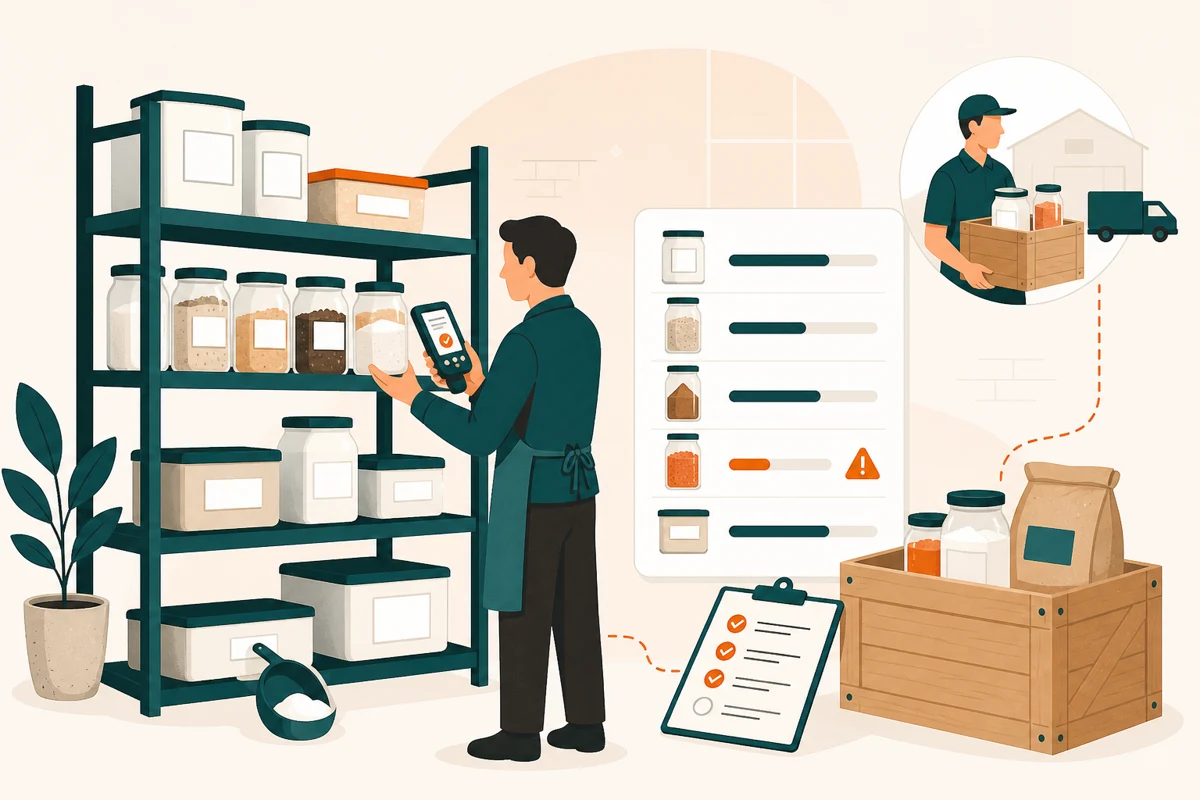
Counts, deliveries, recipes and waste all affect what is on the shelf. Stock is designed to show where its information comes from and which dishes may need attention, without pretending an estimate is a fresh physical count.
Start with your restaurant’s inventory & waste work: the records to check, the next step to prepare and the decision your team needs to make.
Use the latest counts, receipts and stock movements, with their timestamps visible.
Follow recipe mappings to identify the menu items that use a particular ingredient.
Prepare availability or reorder changes and show exactly what the operator would approve.
FOUR QUESTIONS FOR STOCK
Choose a question. Follow the record check and review the next step in the interactive demo.
Interactive demo with example restaurant data.
We’re out of burrata. What needs to change?
Follow Stock through the relevant records, the answer and the next step.
Focus on the information relevant to the job. These records give Stock its restaurant context without opening up everything.
LET’S TALK ABOUT YOUR VENUE
Tell us where this job could help your restaurant. We’ll discuss your current setup, the records you use and the workflow that fits your team.
Register interestBefore you get started
Bring us your restaurant’s inventory & waste questions. Let’s discuss what Stock would need to work well for your venue.
Register interest