Review the open queue
Group orders by their actual service stage and bring exceptions forward.

SHIFT / ORDERS & DELIVERY
Orders and delivery support for the middle of service. See what is waiting, what is ready and what needs a person’s attention.
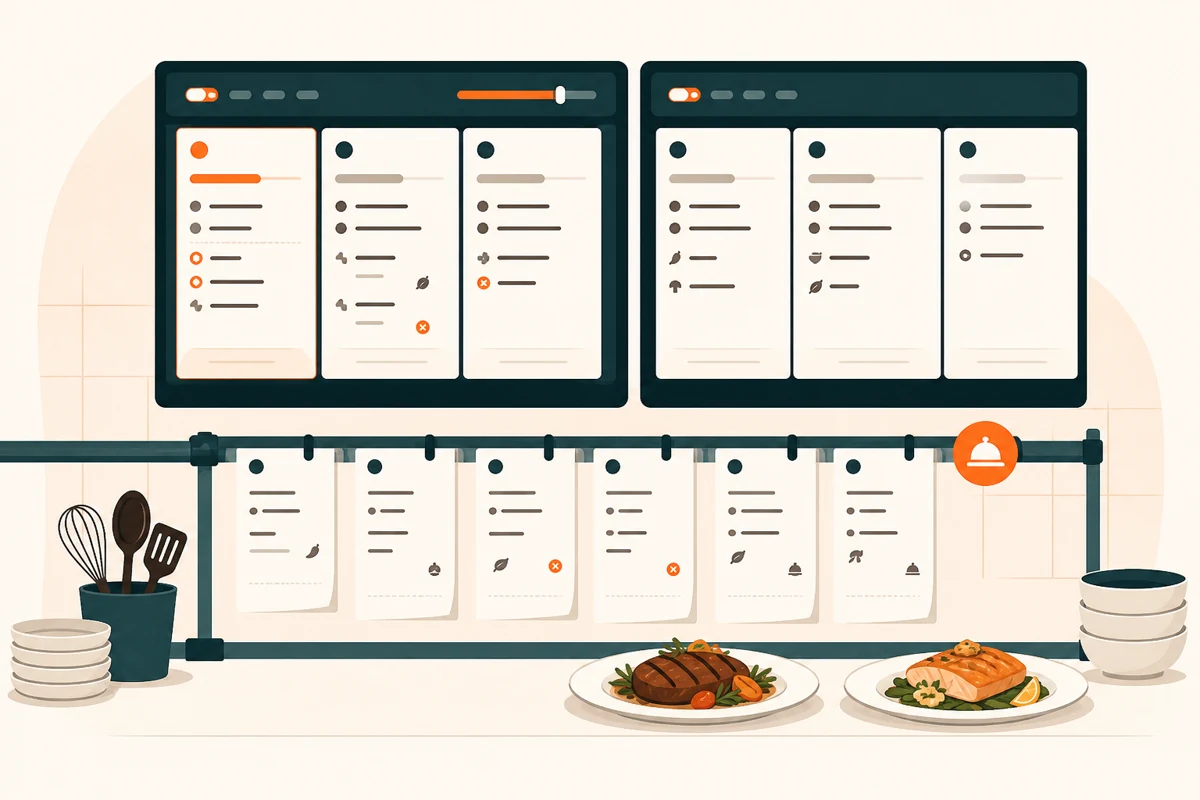
An open order is not the same as a kitchen delay, and a prepared bag is not the same as a completed delivery. Shift is designed to explain those stages without hiding the records or their timestamps.
Start with your restaurant’s orders & delivery work: the records to check, the next step to prepare and the decision your team needs to make.
Group orders by their actual service stage and bring exceptions forward.
Connect kitchen readiness with pickup or dispatch records where a supported connection exists.
Turn the items that need attention into a short handover for the floor and kitchen leads.
FOUR QUESTIONS FOR SHIFT
Choose a question. Follow the record check and review the next step in the interactive demo.
Interactive demo with example restaurant data.
Which orders need our attention?
Follow Shift through the relevant records, the answer and the next step.
Focus on the information relevant to the job. These records give Shift its restaurant context without opening up everything.
When something stalls, start with the ticket and the records behind it.
An order can touch the counter, kitchen and delivery team. Bring those records into the same question to see which step needs attention.
Order context, before the next move.
Move or tap to explore. Keyboard: Tab into a drawing, then use Enter or the arrow keys; Escape returns it to rest.
LET’S TALK ABOUT YOUR VENUE
Tell us where this job could help your restaurant. We’ll discuss your current setup, the records you use and the workflow that fits your team.
Register interestBefore you get started
Bring us your restaurant’s orders & delivery questions. Let’s discuss what Shift would need to work well for your venue.
Register interest